Estimate visual body fat signals from consistent photo check-ins
Estimate visual body fat signals from consistent photo check-ins
From Progress Photos
Use the AI body fat estimator to get an honest body fat range from your photos, not a fake single number.
Free scanPrivate by designResults in seconds.
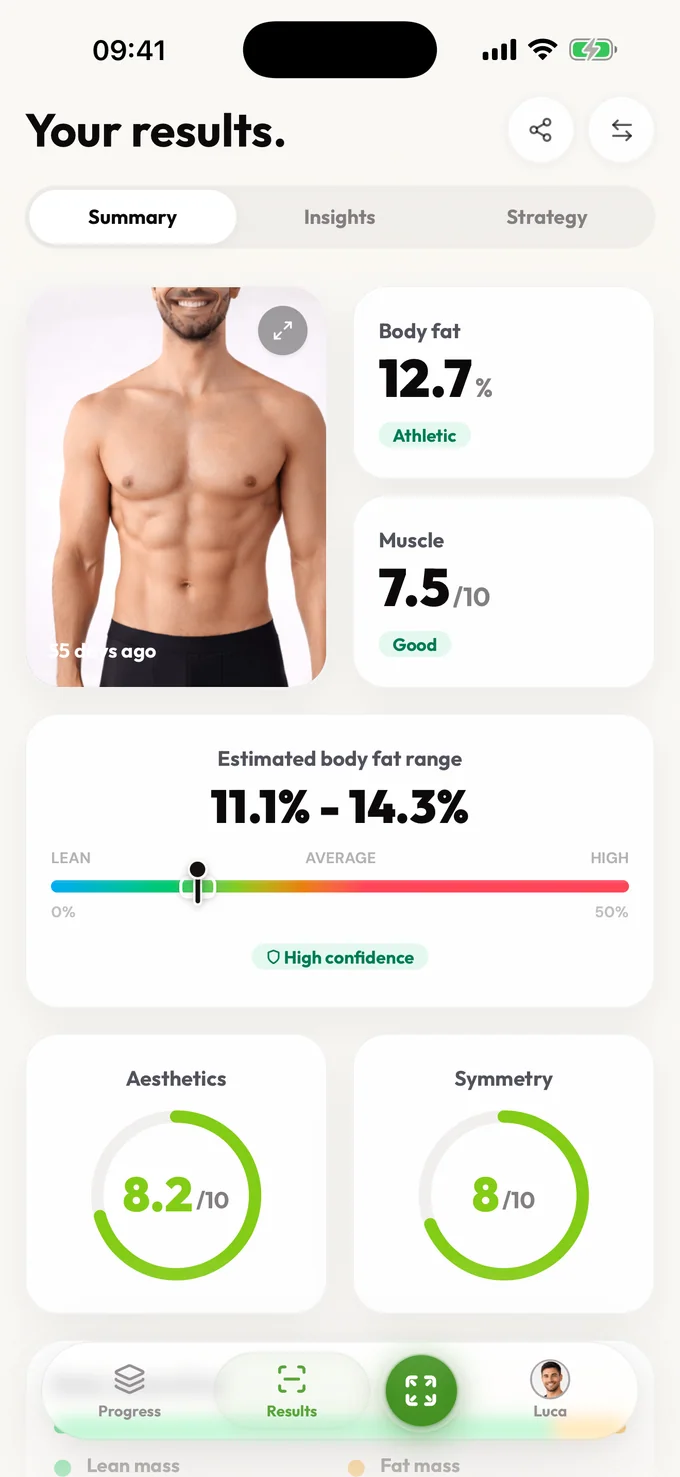
A useful range. Honest confidence. Better check-ins.
Coming soon to Android
Android is next. Join the waitlist and we'll email you the moment it's ready on Google Play.
Use the AI body fat estimator to get an honest body fat range from your photos, not a fake single number.
Estimate my body fat rangeUse the AI body fat estimator to get an honest body fat range from your photos, not a fake single number.
Estimate visual body fat signals from consistent photo check-ins
Track body fat change over time with confidence-aware ranges instead of one dramatic number
Spot when lighting, angles, or recovery variables are making your body fat read noisier than normal
Pair body fat signal with next-step guidance so each check-in changes your plan a little, not a lot
Yes, AI can estimate a useful body fat range from photos when the setup is clear and repeatable. LeanLens treats the output as fitness guidance, not a clinical measurement, so you get a range, confidence context, and practical next steps instead of a fake-precise single number.
Estimate visual body fat signals from consistent photo check-ins
Track body fat change over time with confidence-aware ranges instead of one dramatic number
Spot when lighting, angles, or recovery variables are making your body fat read noisier than normal
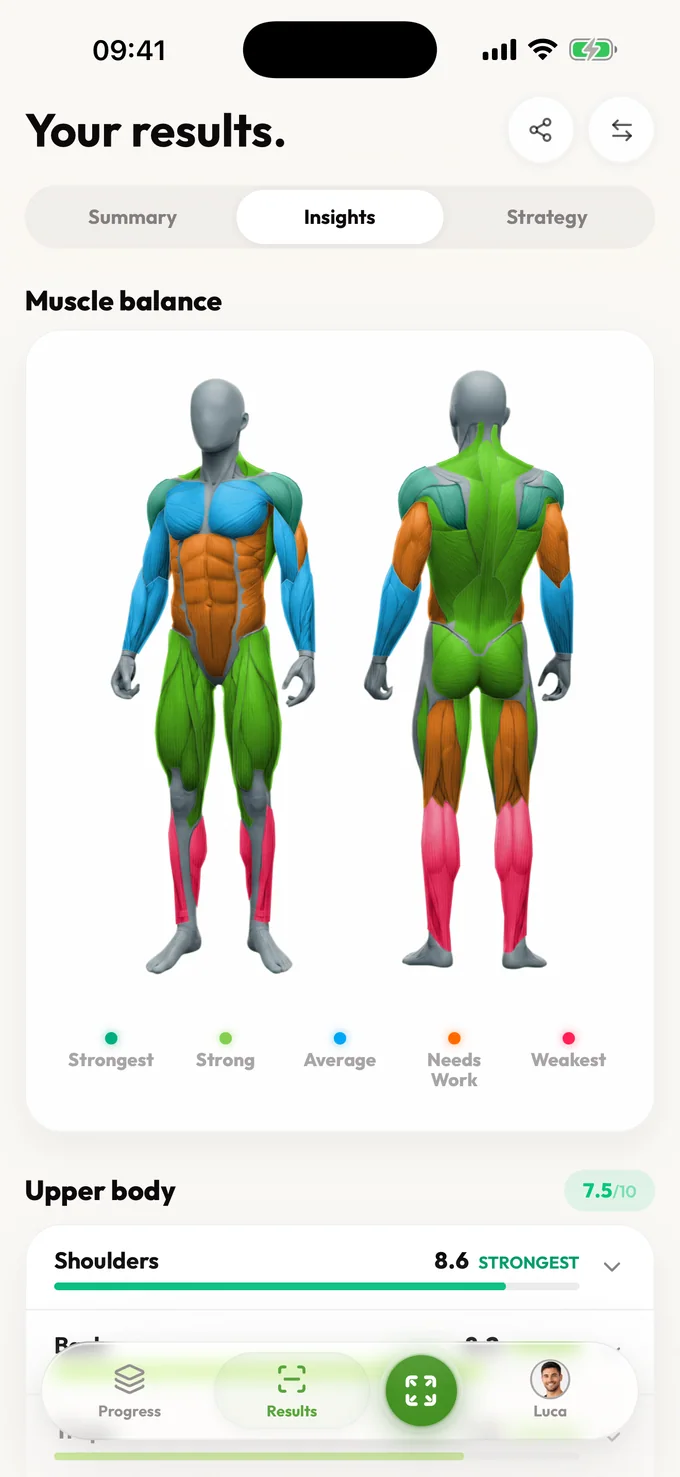
An AI body fat analyzer is only useful if it stays honest about what a photo can and cannot prove. LeanLens uses photos to estimate visual body fat range and change, not to claim medical-grade precision. You get a realistic range, confidence context, and extra cues that explain why you may look leaner, softer, or more balanced across check-ins. That matters because most people do not just want a body fat guess. They want to know whether progress is real, whether a weird week is noise, and whether the next move should be training, nutrition, or patience. If you want a body fat page that respects the limits of photo-based estimation while still gives you useful signal, this is the right route. For an AI body fat estimate, compare a relaxed front view with a side view: abdominal definition and waist depth provide different visible cues, while harsh overhead light can exaggerate both.
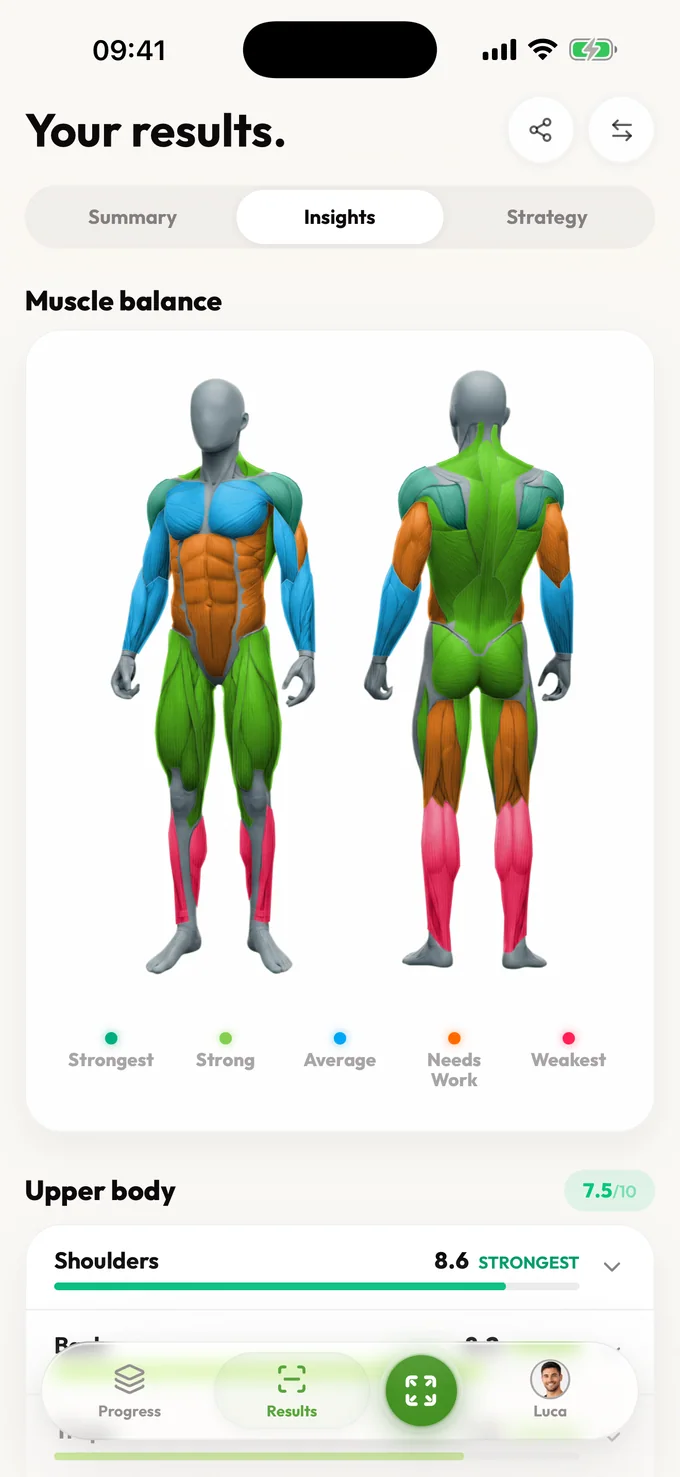
Use the AI body fat estimator to get an honest body fat range from your photos, not a fake single number.
Estimate visual body fat signals from consistent photo check-ins
Track body fat change over time with confidence-aware ranges instead of one dramatic number
Spot when lighting, angles, or recovery variables are making your body fat read noisier than normal
Pair body fat signal with next-step guidance so each check-in changes your plan a little, not a lot
Compare
The 18–22% range is illustrative, not a person’s result or a validated error margin. Entered tape measurements answer a different question.
| Method | Output | Best use and limit |
|---|---|---|
| Photo estimate | Illustrative result: 18–22% with confidence and photo-quality context. | Compare similar photos over time; lighting and pose can move the estimate. |
| Tape formula | A calculation from entered circumferences and height. | Useful as an independent trend check; tape placement and formula population assumptions matter. |
| Clinical method | A measurement from a specified protocol and instrument. | Use for clinical questions; neither a photo nor a tape formula substitutes for it. |
Privacy and honesty aren't features we bolted on; they shape how the product works.
One purpose: creating your results. Your photos are shared only with the providers needed to create or store them. Guest scans auto-delete; sign in and you can delete your saved photos and results anytime.
Ranges over false precision. No body-shaming mechanics, ever. Results describe, they don't judge. And nothing about your body is used to pressure you.
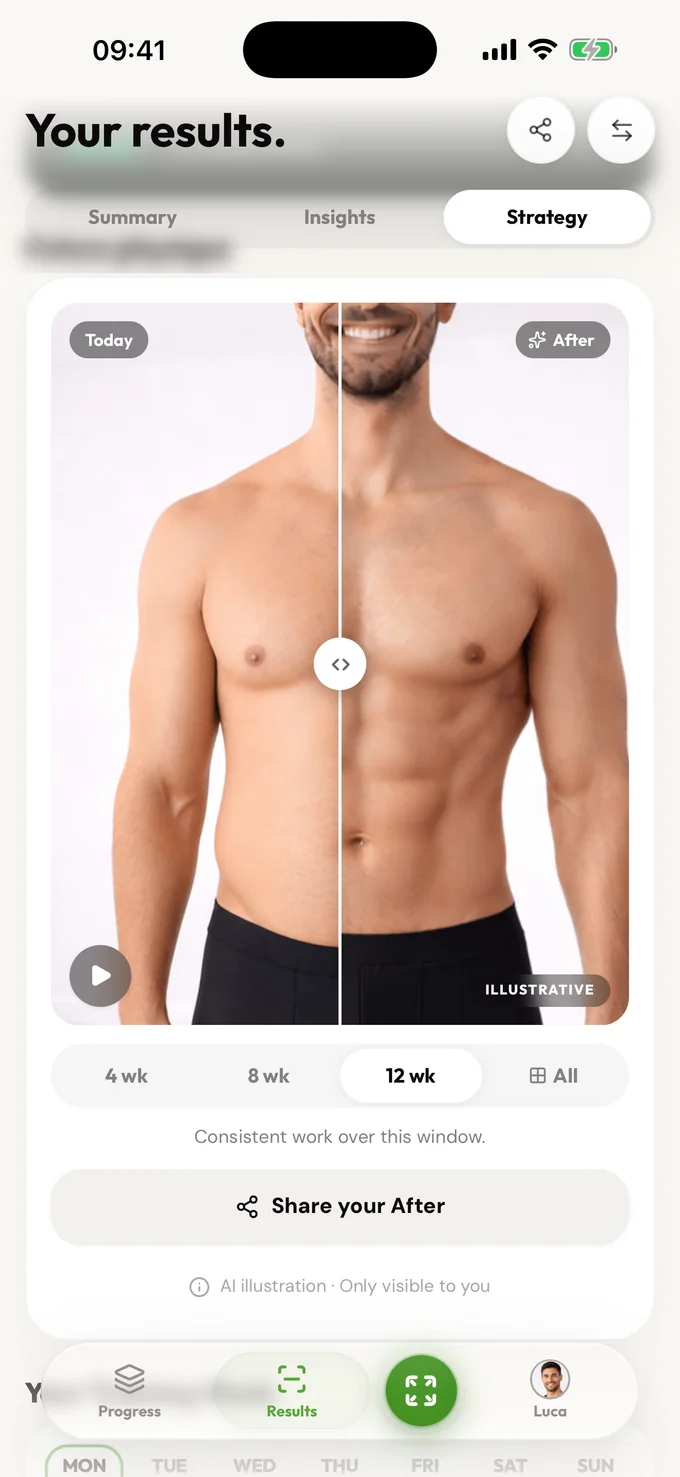
Free includes an estimated body-fat range, confidence, summary, visible scores, photo-quality guidance, core detail for every available Muscle Balance result, and a limited focus view. Pro unlocks muscle history, bilateral and training-plan detail, deeper trends, strategy, and comparisons.
Free accounts can scan again after a short wait. Pro removes the wait and unlocks full results, trends, and comparisons.
Read 18–22% as an illustrative estimated range, not four independently measured values or a guaranteed error bound. A later 17–21% estimate overlaps it, so that pair alone does not establish fat loss. Compare camera conditions, waist measurements and several check-ins before changing your plan.
Yes, with honest limits. Photos can show useful visual body fat signals, but they cannot replace DEXA, BodPod, or clinical assessment. LeanLens returns a range with confidence context so you can use direction without overreacting.
A single number from photos looks precise but can be misleading. A range is more honest and more useful for weekly trend tracking.
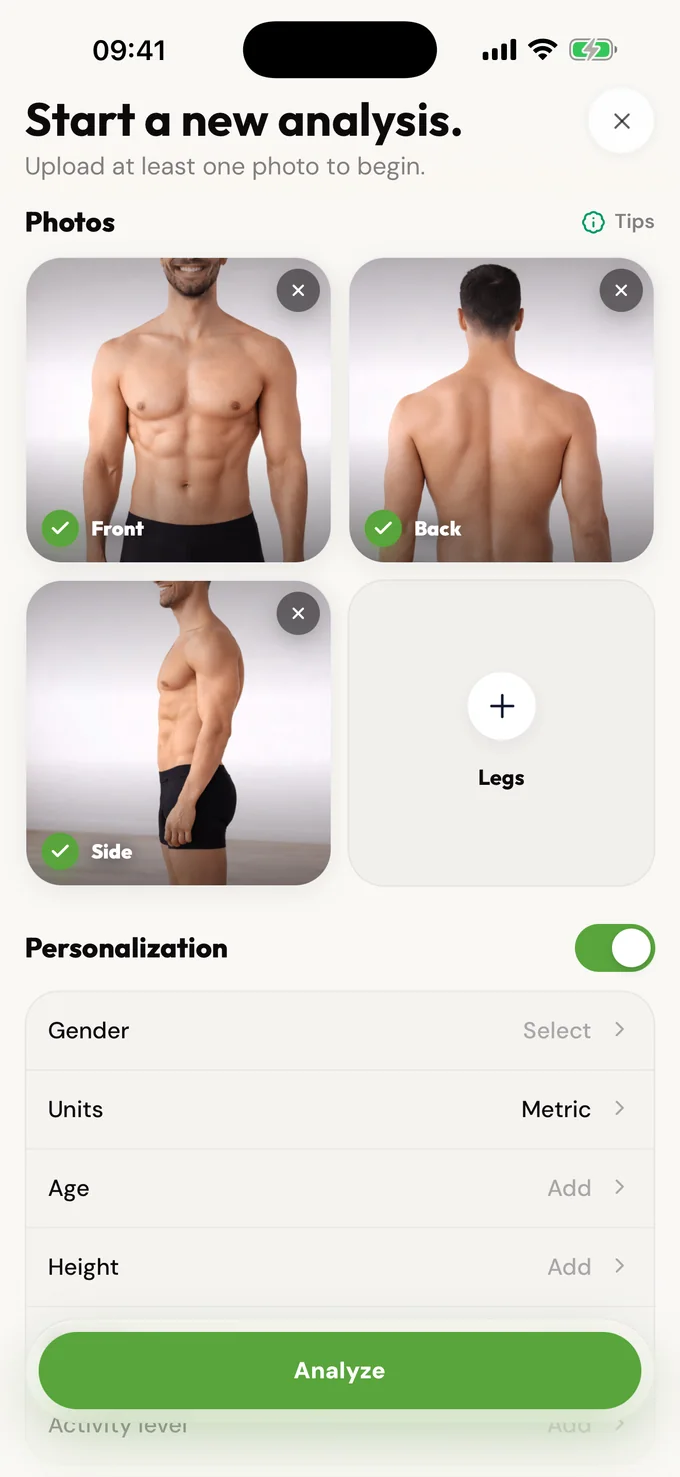
For a repeatable AI body fat estimate, use consistent lighting, distance, pose, clothing, and timing. Front, side, and back photos usually provide more stable context than one noisy photo. Keep the camera level and avoid switching from a relaxed pose to flexing between check-ins.
Coming soon to Android
Android is next. Join the waitlist and we'll email you the moment it's ready on Google Play.
Use the AI body fat estimator to get an honest body fat range from your photos, not a fake single number.
Scan free every week. Upgrade to Pro for full reports and no waiting.