Need a practical next step? Start with Body Fat From a Photo, then compare against How accurate is AI body fat estimation from photos?.
If you want broader interpretation beyond body fat context, run an AI Body Analysis App check-in using the same photo rules below.
The quick checklist below covers the highest-impact setup details for desktop searchers comparing photo guides: front, side, back, mirror selfie, camera height, distance, lighting, and relaxed pose.
Set up your photo protocol in 2 minutes
Use this checklist once, then reuse it for cleaner weekly trends.
Progress photo setup: a checklist you can repeat
For how to take progress photos for body fat estimation, save the setup as carefully as the image. Choose one lens, mark where the camera and your feet go, and keep the full area being assessed in frame. Use the same fitted clothing and relaxed pose each time.
| Before taking the photo | Retake when | | ----------------------------------------- | ---------------------------------------------------------------- | | Check bright, even light | Strong side shadows hide one side of the body | | Match camera height and floor marks | A low angle or close lens enlarges one region | | Keep the torso and relevant limbs visible | The waist, shoulders, or legs are cropped out | | Relax without twisting or sucking in | Flexing or a training pump differs from the baseline | | Inspect the original image | Filters, blur, mirror glare, or phone placement obscure the body |
Open the photo body-fat calculator, follow its current upload prompts, and review the selected image before submitting. Additional views supply context; they do not make a blurred or heavily filtered baseline reliable. Compare the one-photo and four-angle workflows before choosing a repeatable routine.
Front, side, back, and mirror-selfie rules (quick checklist)
- Same lighting (bright, indirect)
- Same distance (mark the floor)
- Same camera height (mid-torso)
- Same angles (front / side / back)
- Same time of day (morning is easiest)
- Same relaxed pose (not flexed)
If you do only one thing, keep distance + camera height constant.

Front photo rules
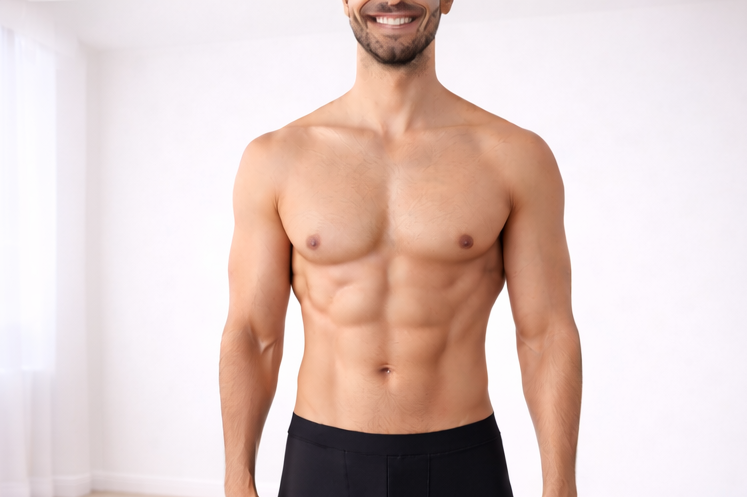
- Stand tall with arms relaxed
- Keep full torso in frame
- Avoid low camera placement (distorts proportions)
Side photo rules
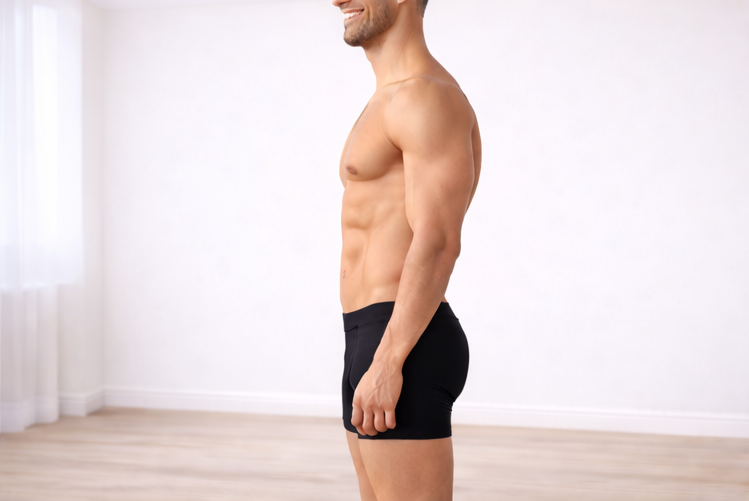
- Maintain neutral posture (don’t over-arch)
- Keep stance and foot placement consistent
Back photo rules
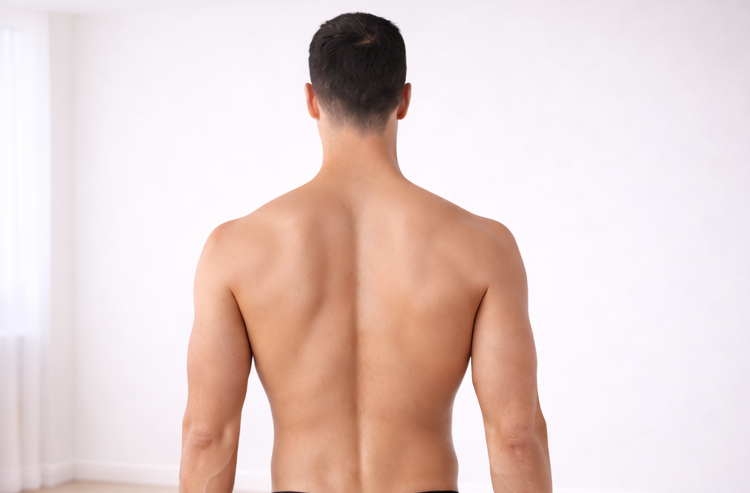
- Match distance to your front/side photos
- Don’t twist to exaggerate lat width
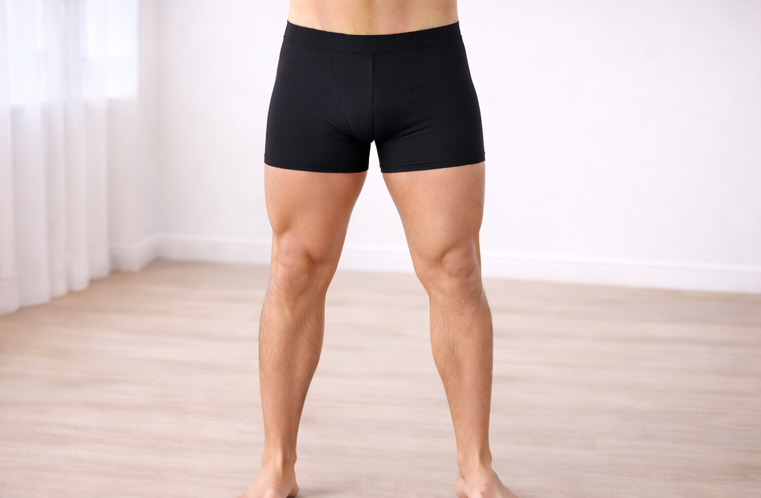
For lower-body tracking, keep one optional legs angle consistent:
Mirror-selfie rules
Mirror selfies are usable if you standardize setup:
- Use the same mirror and phone lens each check-in
- Keep camera centered and at consistent height
- Avoid dramatic perspective by standing too close
Shirtless male/mirror-selfie estimation notes
If your goal is to estimate a body fat range from shirtless male mirror selfies, keep these constant:
- same mirror
- same camera height
- same stance
- same lighting direction
Then compare trends over 2-4 check-ins instead of judging one photo.
Clothing, lighting, and distance mistakes
- Changing clothing fit changes visible definition
- Harsh lighting can fake leanness
- Small distance shifts can mimic progress
Treat each check-in like a controlled test, not a new photoshoot.
Use LeanLens with this setup
Once your setup is repeatable, LeanLens outputs become easier to trust:
- confidence context is more meaningful
- range comparisons are less noisy
- next-step guidance is easier to apply
Related routes
Ready for a cleaner estimate?
Upload one consistent photo now and use the same setup next week.
Related reading
- One photo vs four angles
- Body fat measurement methods compared
- How to read your results
- Mirror selfie body fat guidance
Frequently asked questions
What photos work best for AI body fat tracking?
Use bright even lighting, consistent camera height, similar distance, relaxed posture, and the same clothing or shirtless setup. Front, side, and back angles usually improve context.
Do I need four angles every time?
No. One clear photo can start a check-in, but multiple angles often reduce noise for body fat, balance, and symmetry interpretation.