How uploaded photos are processed to generate your analysis output
How uploaded photos are processed to generate your analysis output
Storage, Handling, and Controls
Review how analysis photos are processed and how storage and deletion controls differ across source uploads, results, and saved progress.
Free scanPrivate by designResults in seconds.
Know what happens before you upload.
Coming soon to Android
Android is next. Join the waitlist and we'll email you the moment it's ready on Google Play.
Review how analysis photos are processed and how storage and deletion controls differ across source uploads, results, and saved progress.
Start only when you’re comfortableReview how analysis photos are processed and how storage and deletion controls differ across source uploads, results, and saved progress.
How uploaded photos are processed to generate your analysis output
How source uploads, result data, and saved progress photos have different lifecycles and controls
Where legal policy applies versus plain-language product behavior
How to use LeanLens without adding unnecessary account friction
People researching AI photo analysis privacy usually want plain language, not only legal wording. LeanLens processes selected uploads to create an analysis; source uploads, result data and saved progress photos have different lifecycles and controls. Review the processing, storage and deletion controls before starting a check-in. The Privacy Policy remains the source for current storage and deletion details, so review it before uploading if photo handling is a deciding factor for you. For body photo privacy, check the control for the specific item you want to remove: a source upload, a result and a saved progress photo are not interchangeable records.
Review how analysis photos are processed and how storage and deletion controls differ across source uploads, results, and saved progress.
How uploaded photos are processed to generate your analysis output
How source uploads, result data, and saved progress photos have different lifecycles and controls
Where legal policy applies versus plain-language product behavior
How to use LeanLens without adding unnecessary account friction
Compare
A local browser utility and an AI analysis have different data paths. The Privacy Policy controls current retention and deletion details.
| Workflow | Photo path | What to check |
|---|---|---|
| Local photo utility | Select photos in the browser to prepare or compare them locally. | Use the tool description to confirm which actions stay on your device; downloading or sharing an export is your choice. |
| AI analysis | Selected photos are uploaded for processing to generate the requested result. | Review source-upload handling separately from result-data retention. |
| Saved progress | Saving can retain analysis history and selected progress photos for comparison. | Use the account and policy controls for the specific item you want to remove. |
Privacy and honesty aren't features we bolted on; they shape how the product works.
One purpose: creating your results. Your photos are shared only with the providers needed to create or store them. Guest scans auto-delete; sign in and you can delete your saved photos and results anytime.
Ranges over false precision. No body-shaming mechanics, ever. Results describe, they don't judge. And nothing about your body is used to pressure you.
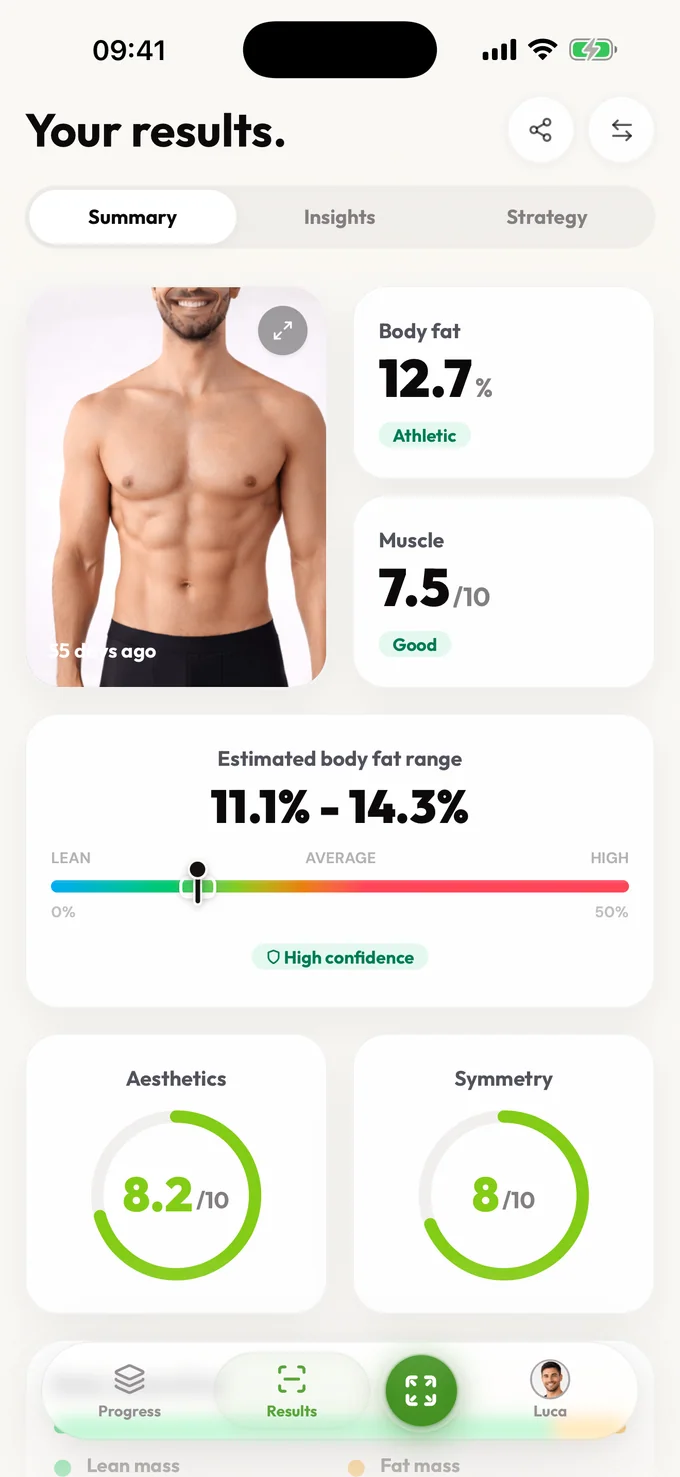
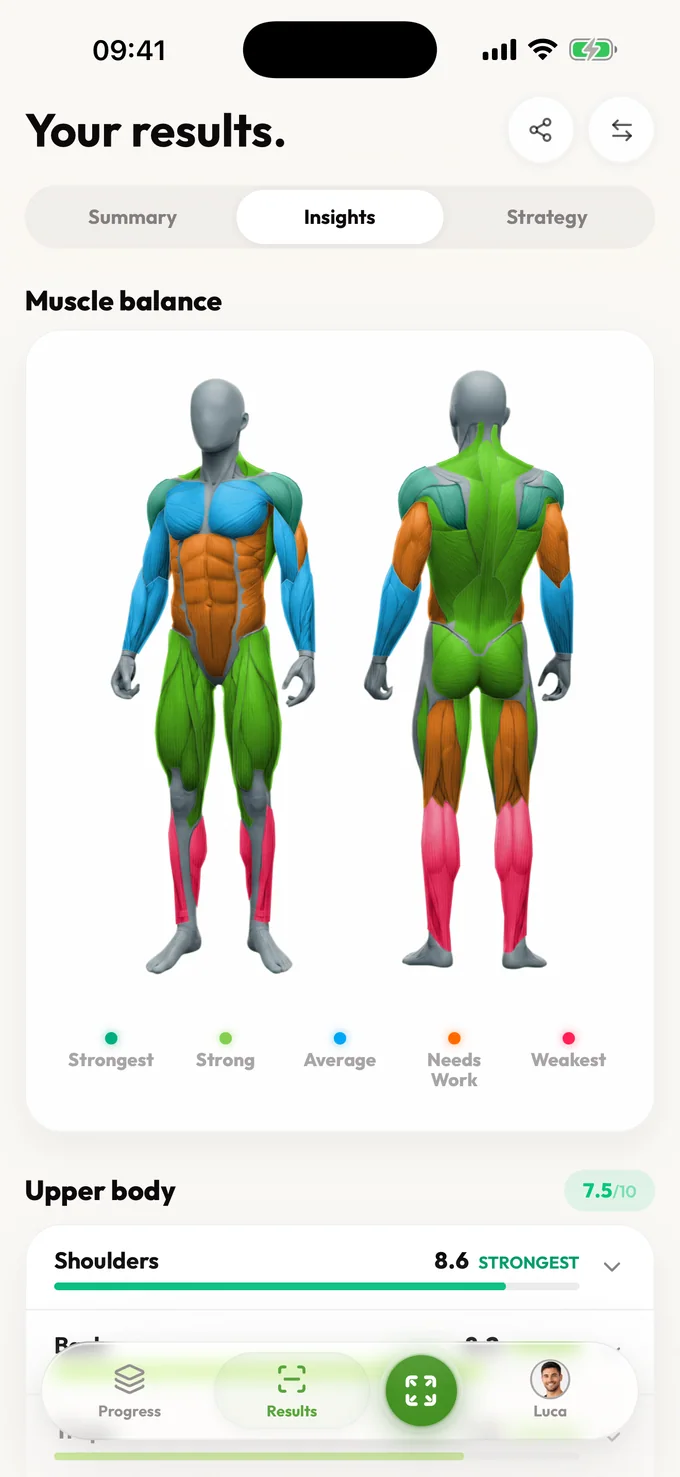
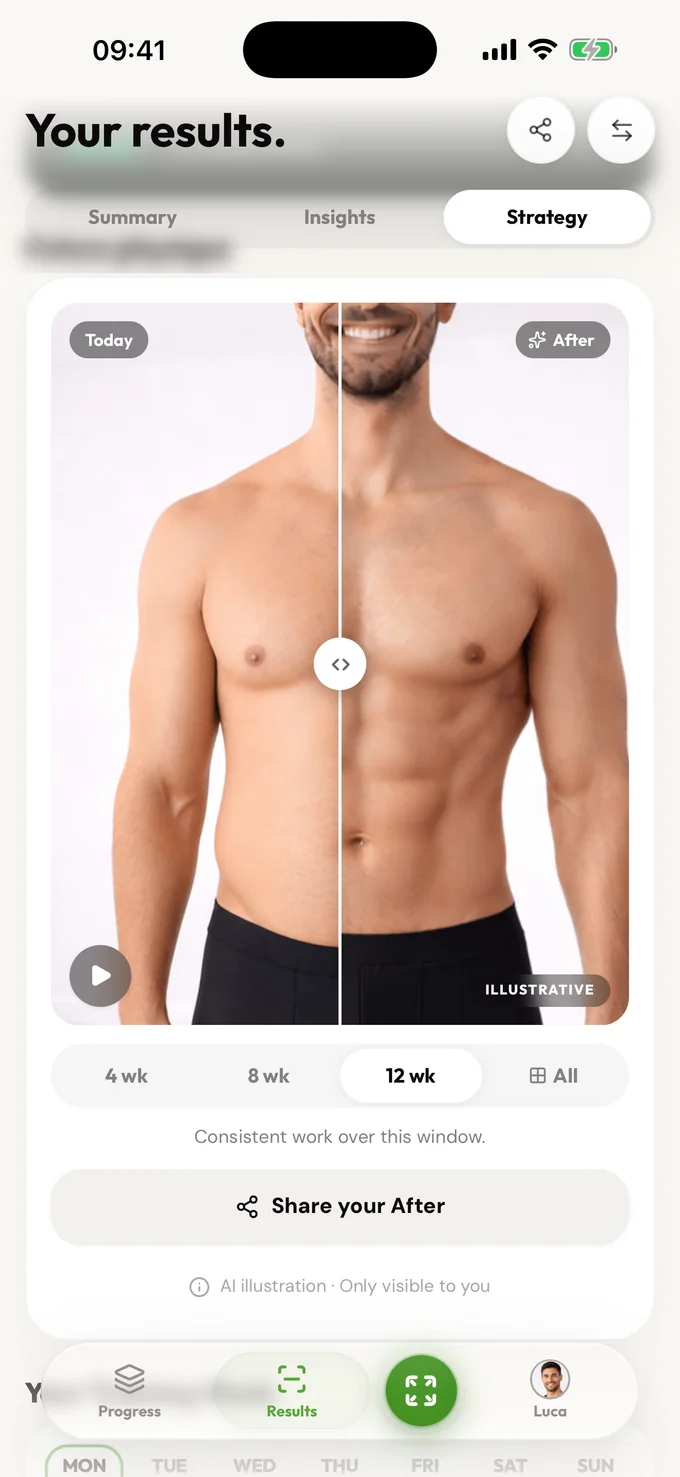
Free includes an estimated body-fat range, confidence, summary, visible scores, photo-quality guidance, core detail for every available Muscle Balance result, and a limited focus view. Pro unlocks muscle history, bilateral and training-plan detail, deeper trends, strategy, and comparisons.
No. Source uploads support processing, result data supports the analysis, and saved progress photos support history; their storage and deletion controls differ. Browser analytics is a separate preference. Review the privacy policy and available account controls for the relevant data rather than assuming that turning off analytics deletes uploaded photos or saved results.
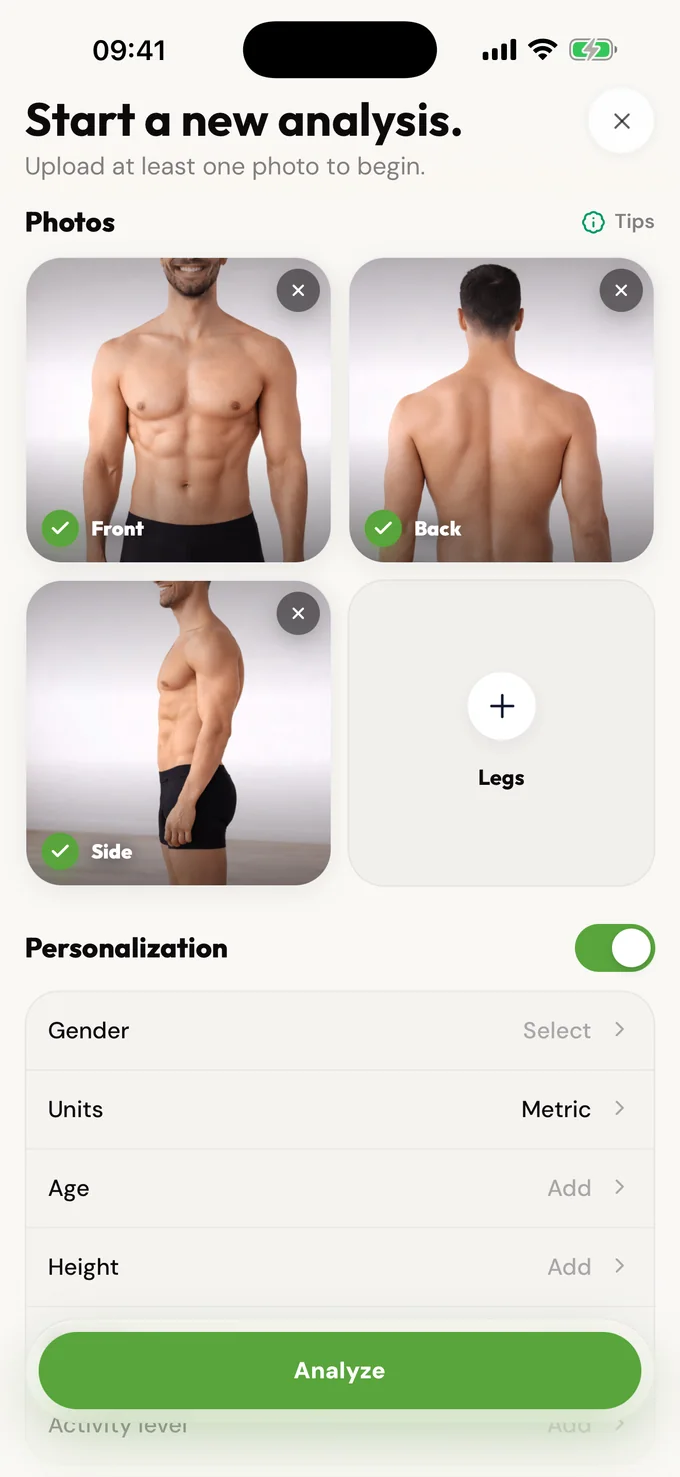
LeanLens processes the photos you select to create the requested analysis. Source uploads, result data, and saved progress photos have different lifecycles and controls. Review the Privacy Policy for current storage and deletion details before uploading.
No. You can start a free analysis without creating an account. An account is only useful if you want to save results and compare progress over time.
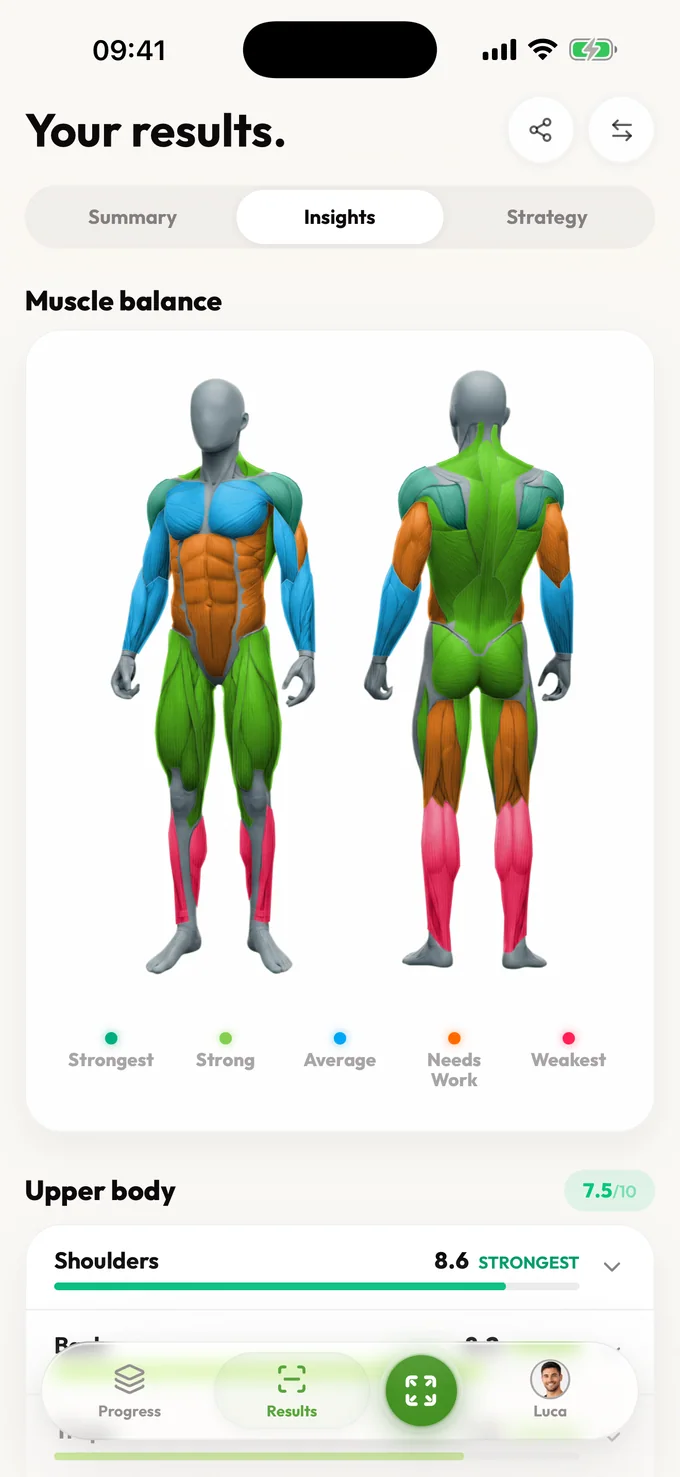
LeanLens uses your uploaded photos to generate the requested body analysis result, including body fat range, muscle balance, symmetry context, and next-step guidance.
Saving progress can retain analysis history and selected progress photos so you can compare check-ins. Review the Privacy Policy for current storage and deletion controls.
LeanLens is built for fitness check-ins and provides photo-handling information before upload. It is not a medical device or clinical body-composition test.
Coming soon to Android
Android is next. Join the waitlist and we'll email you the moment it's ready on Google Play.
Review how analysis photos are processed and how storage and deletion controls differ across source uploads, results, and saved progress.
Scan free every week. Upgrade to Pro for full reports and no waiting.