Photo-based body fat range with confidence context
Photo-based body fat range with confidence context
From Photos, on Web and iOS
LeanLens: AI Body Analysis is the official iOS app. Use this AI body scanner app for a confidence-aware photo analysis that explains what changed, what is uncertain, and what to do next.
Free scanPrivate by designResults in seconds.
Start on the web. Keep progress in the app.
Coming soon to Android
Android is next. Join the waitlist and we'll email you the moment it's ready on Google Play.
LeanLens: AI Body Analysis is the official iOS app. Use this AI body scanner app for a confidence-aware photo analysis that explains what changed, what is uncertain, and what to do next.
Try the web scanLeanLens: AI Body Analysis is the official iOS app. Use this AI body scanner app for a confidence-aware photo analysis that explains what changed, what is uncertain, and what to do next.
Photo-based body fat range with confidence context
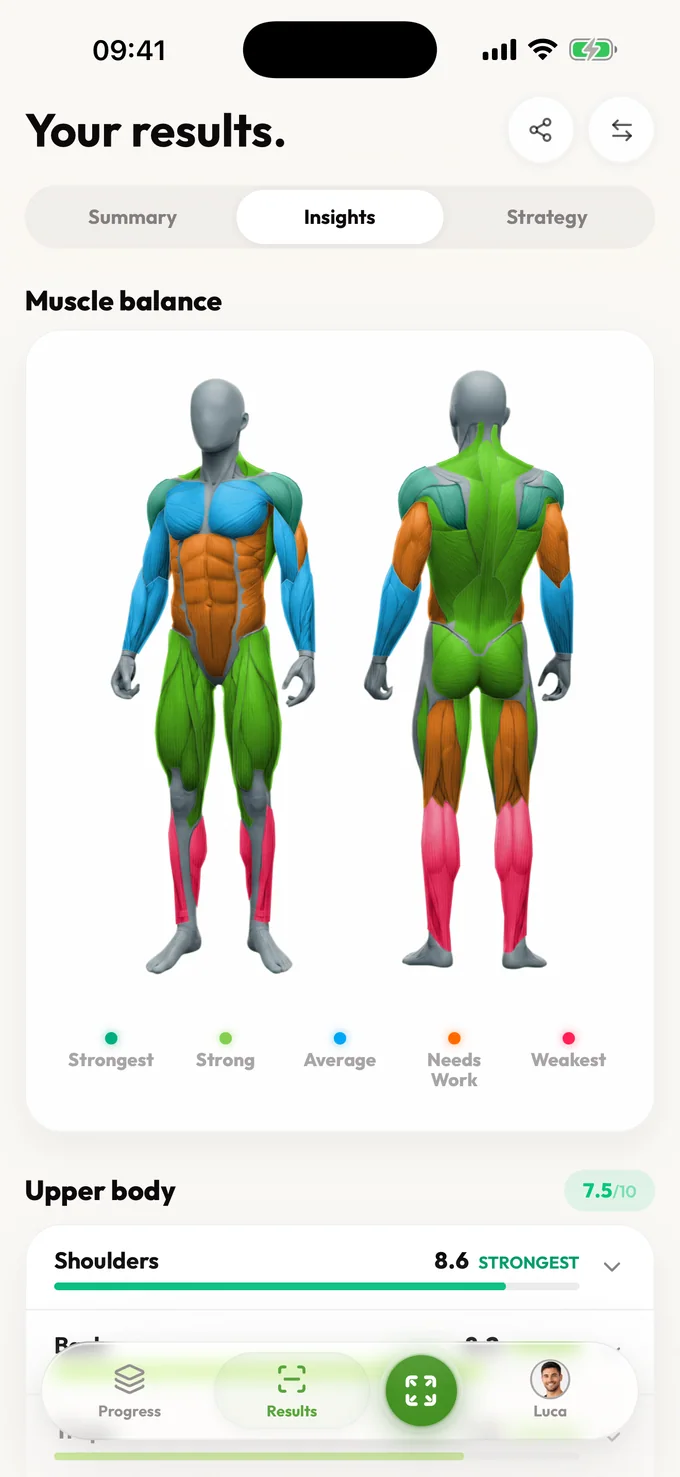
Muscle balance and visible weak-area signals
Symmetry and proportion context from physique photos
Photo setup quality so noisy inputs are not over-interpreted
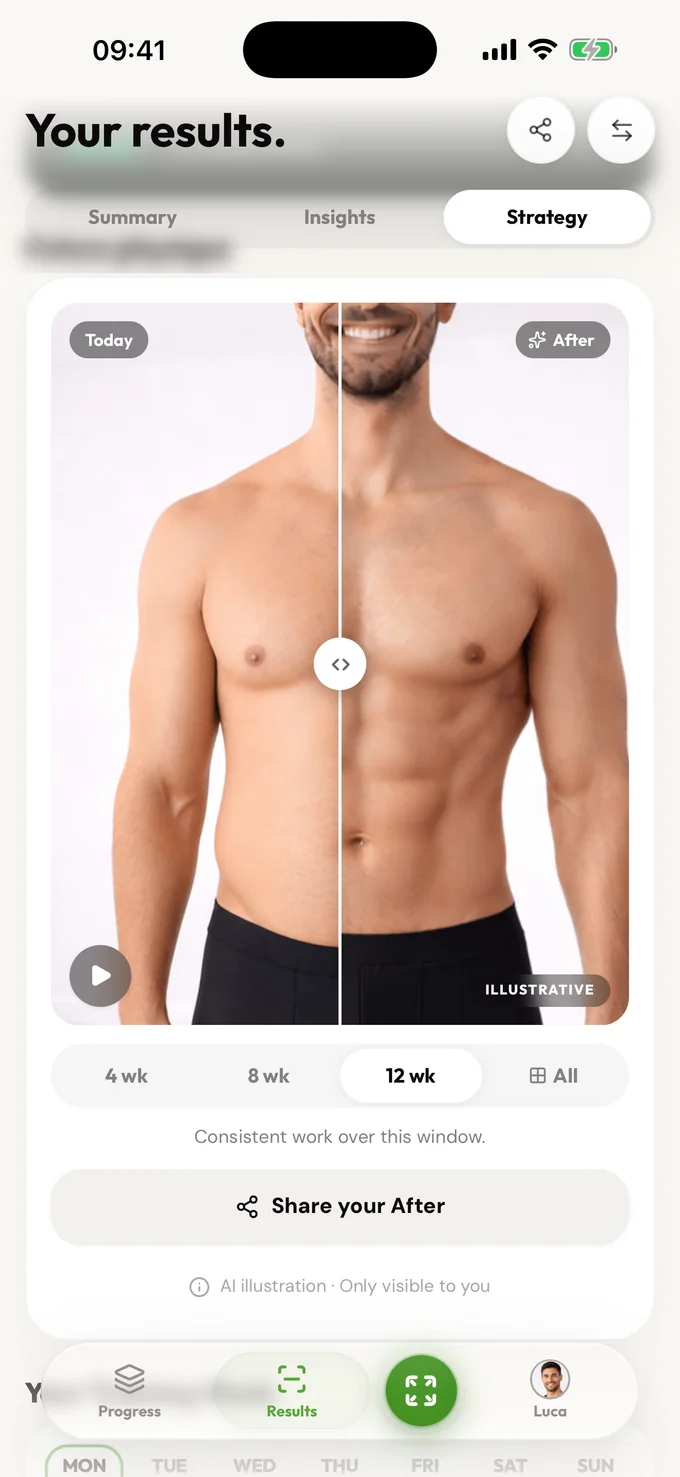
Next-step guidance for training, nutrition, or patience
An AI body analysis app should turn physique photos into useful fitness context: body fat range, muscle balance, symmetry, progress direction, and next steps. LeanLens: AI Body Analysis is the official LeanLens iOS app. You can also start free on the web, with clear photo-handling information and honest ranges instead of fake clinical precision.
Photo-based body fat range with confidence context
Muscle balance and visible weak-area signals
Symmetry and proportion context from physique photos
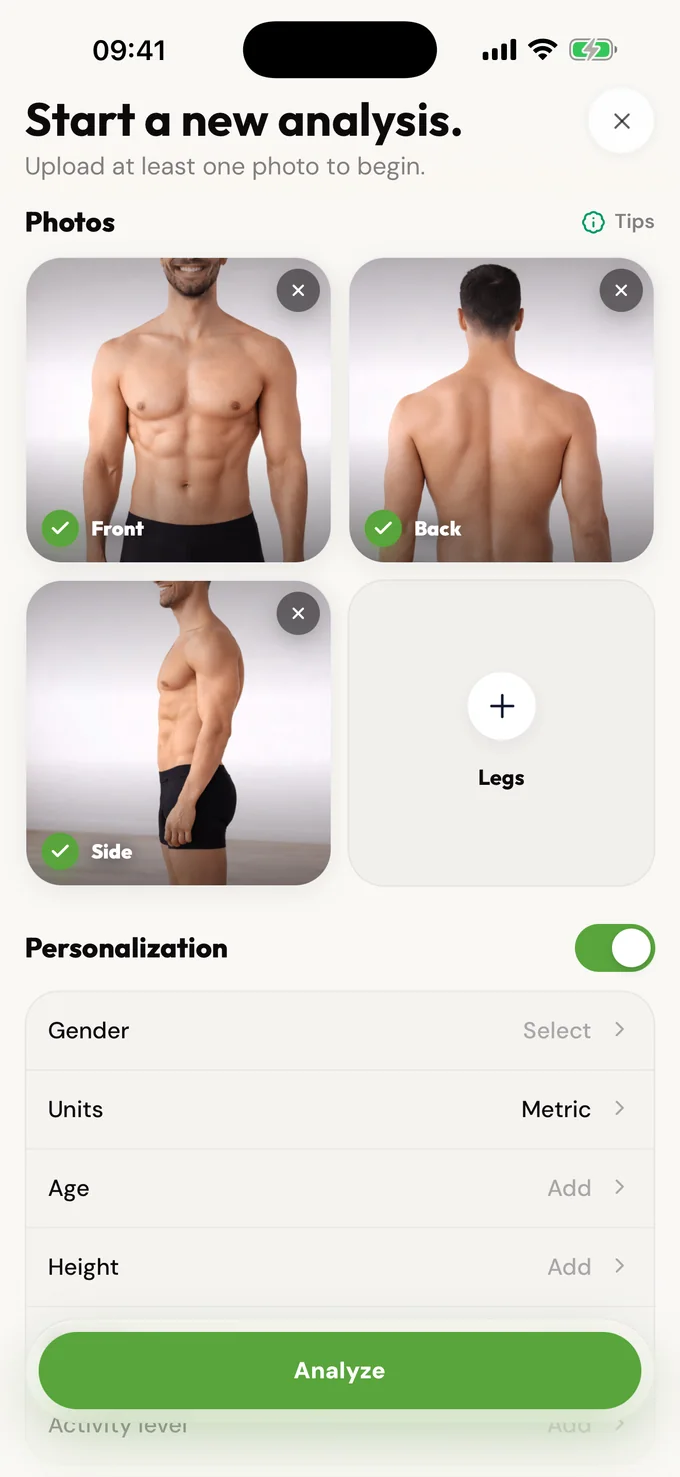
LeanLens: AI Body Analysis is available on the App Store for iOS. Start with the photo-check workflow: upload a clear photo, receive a body fat range with confidence context, review muscle balance and symmetry, then choose one practical next step. The web analyzer lets you try a guest result without an account. Eligible signed-in Free members can return for weekly scans; saved history and Pro result depth have separate plan rules. Body fat, privacy, photo setup, and comparison guides explain each part of the workflow. Distinguish the browser result from iPhone history and Pro access, and verify the official App Store identity before installing.
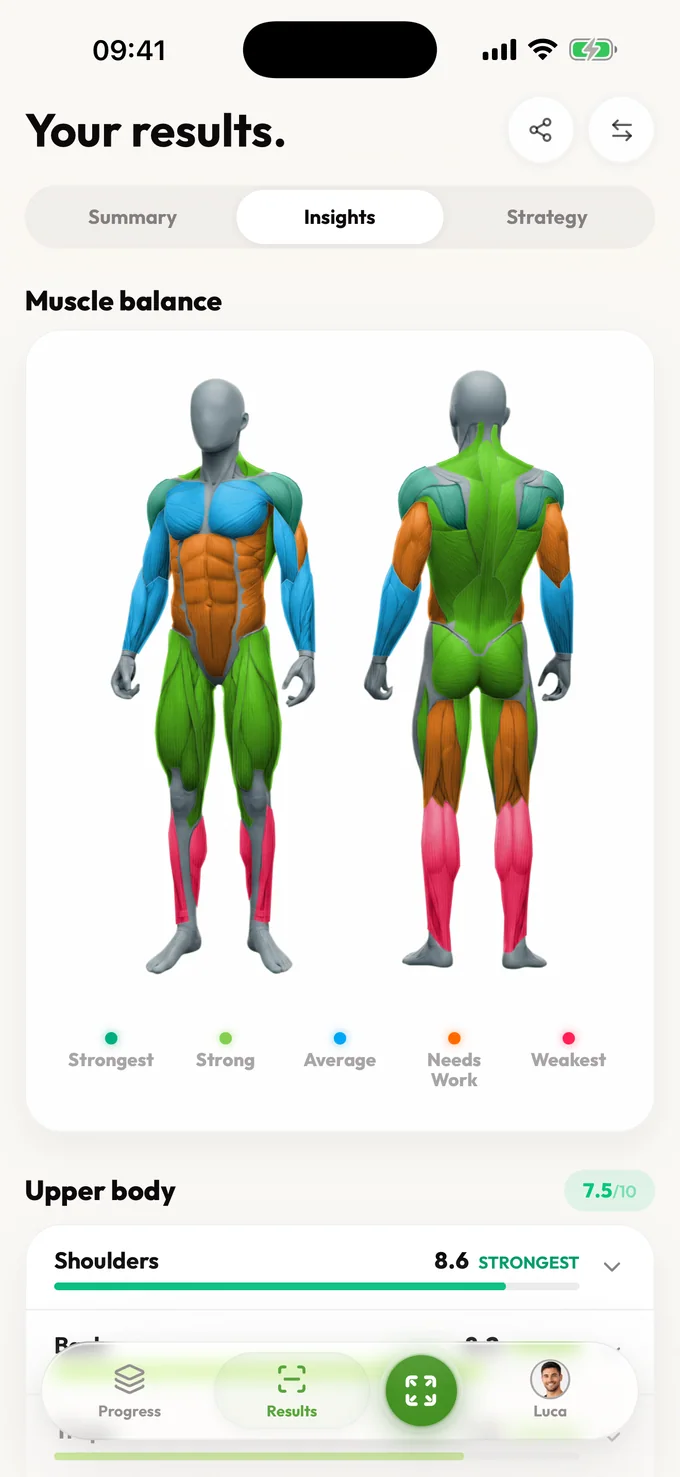
LeanLens: AI Body Analysis is the official iOS app. Use this AI body scanner app for a confidence-aware photo analysis that explains what changed, what is uncertain, and what to do next.
Photo-based body fat range with confidence context
Muscle balance and visible weak-area signals
Symmetry and proportion context from physique photos
Photo setup quality so noisy inputs are not over-interpreted
Compare
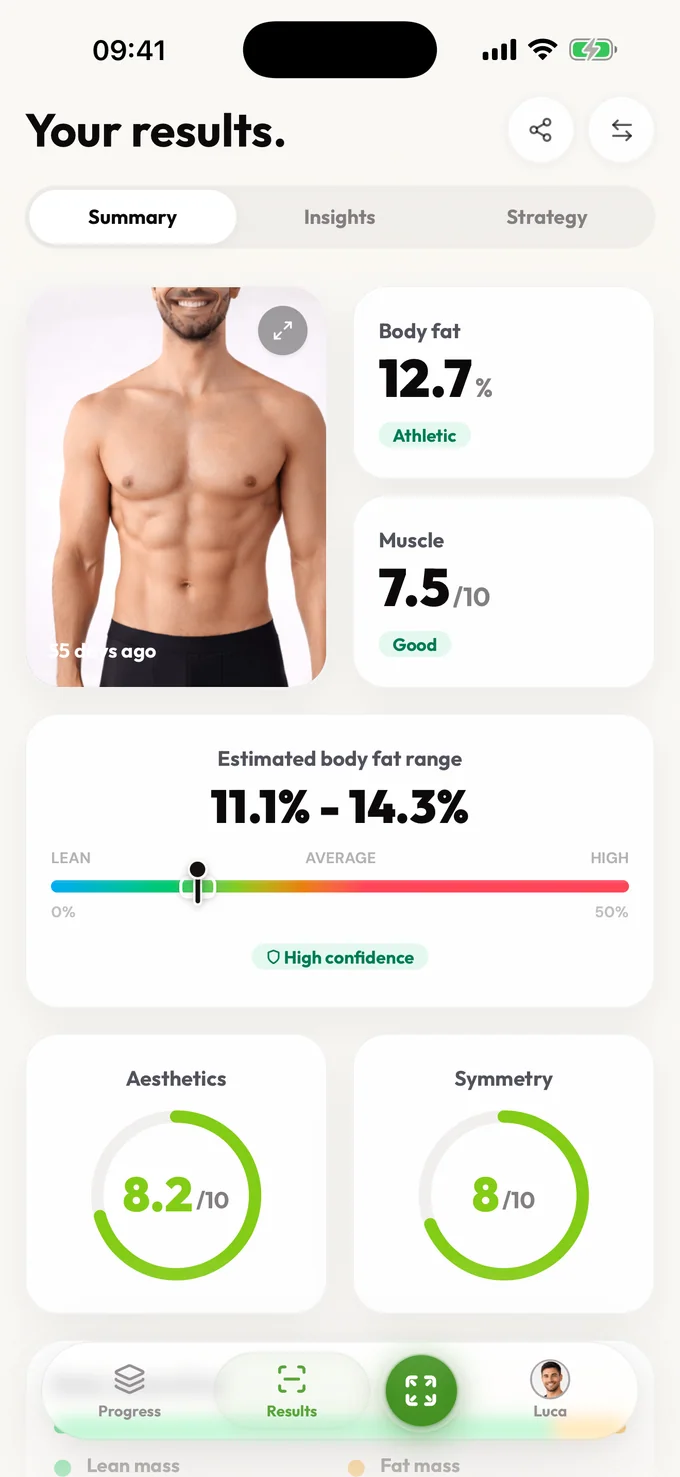
The results screen pictured on this page is a real LeanLens interface capture with illustrative sample values, not a consenting customer report. Start the web analyzer above to receive your own result; available depth follows the access shown in that flow.
| Stage | What you receive | Limit |
|---|---|---|
| Upload | Choose photos and provide optional context before starting. | Pose, lighting, clothing and camera distance affect interpretation. |
| Estimate | The pictured Summary shows a body-fat range of 11.1–14.3% and a High confidence label. Read the range and confidence together. | A photo cannot measure tissue composition or replace a clinical test. |
| Read the report | The pictured Summary also shows muscle, aesthetics and symmetry cards. Open Insights and Strategy in your own report for explanation and next-step guidance when your access includes them. | The pictured scores are example UI content; one scan is not proof of a trend. |
| Return for another scan | Eligible signed-in Free accounts have recurring weekly scans. | Saved history and Pro report depth follow the current displayed plan. |
| Photo handling | Review upload handling before you choose photos. | Source uploads, result data and optional saved progress have different lifecycles. |
Privacy and honesty aren't features we bolted on; they shape how the product works.
One purpose: creating your results. Your photos are shared only with the providers needed to create or store them. Guest scans auto-delete; sign in and you can delete your saved photos and results anytime.
Ranges over false precision. No body-shaming mechanics, ever. Results describe, they don't judge. And nothing about your body is used to pressure you.
Free includes an estimated body-fat range, confidence, summary, visible scores, photo-quality guidance, core detail for every available Muscle Balance result, and a limited focus view. Pro unlocks muscle history, bilateral and training-plan detail, deeper trends, strategy, and comparisons.
Free accounts can scan again after a short wait. Pro removes the wait and unlocks full results, trends, and comparisons.
The official iOS listing is LeanLens: AI Body Analysis, App Store ID 6759131618. Follow the App Store link on this website and check the listing identity before installing. The browser analyzer is a separate way to start; Android availability is currently a waitlist, not a released Android app.
Yes. You can run a free AI body analysis before creating an account.
No. LeanLens uses confidence-aware ranges because photo inputs have lighting, pose, distance, and clothing noise.
Use bright even lighting, consistent camera height, similar distance, relaxed posture, and front, side, and back angles when possible.
Coming soon to Android
Android is next. Join the waitlist and we'll email you the moment it's ready on Google Play.
LeanLens: AI Body Analysis is the official iOS app. Use this AI body scanner app for a confidence-aware photo analysis that explains what changed, what is uncertain, and what to do next.
Scan free every week. Upgrade to Pro for full reports and no waiting.